Tuesday, without AI

Two days of work.
Two days spent.

Emails rewritten four times. Decisions circled all afternoon. The report still open at 6:15.

The same Tuesday, with AI

Two days of work.
Two hours.

Your coworker didn't work harder. They just started using AI before you did. This page shows you exactly what they do differently — hour by hour.

8:41 AM
scroll — the clock moves with you ↓
one screen, two lives

The Same Workday, Rendered Twice

the clock is your scrollbar9:00 AM
Without AI

The blank email stare.

You know the five points you need to make. You spend twenty minutes turning them into sentences, delete half, and rewrite the opener twice before it sounds "professional."

With AI — Playbook Move 1

Bullet points in. Finished email out.

You type your five bullets into a saved prompt: recipient, role, tone, purpose. The full email — subject line included — comes back ready to edit, not ready to dread.

the book: "15–20 minutes down to 3–5 minutes"
Without AI

The follow-up you keep not sending.

The proposal went out last week. Silence. You draft a check-in, worry it sounds pushy, soften it, worry it sounds desperate, and close the tab.

With AI — Playbook Move 3

A natural check-in, under five sentences.

"Professional and friendly. Not apologetic or desperate. Just a natural check-in." One prompt, one low-pressure call to action, sent before the coffee cools.

the book: "10–15 minutes of overthinking, down to 2 minutes"
Without AI

Going in circles on the same decision.

Vendor A or Vendor B? You've had this argument with yourself three times today. Same points, same loop, no decision.

With AI — Playbook Move 15

A structured breakdown that gets you unstuck.

Pros and cons for each option, the question you weren't asking, and a starting-point recommendation — with your constraints and priorities actually accounted for.

the book: "hours of circular thinking, condensed into a 10-minute structured analysis"
Without AI

Repeating a "fact" you never checked.

Someone told you a stat, you put it in the deck, and now a client is asking where it came from. Walking back a bad claim costs more than any deadline.

With AI — Playbook Move 22

Pressure-test the claim before it embarrasses you.

Does this sound accurate? Could it be misleading or outdated? What's the best way to verify it? Five minutes of checking, every time — because AI flags issues, real sources confirm truth.

the book: "5 minutes of checking is always worth it"
Without AI

Still at the desk.

The report is open. The inbox refilled. Tomorrow's Tuesday looks exactly like this one.

With AI

Done. Same work, same standards — yours to review, not to grind out.

Nothing about your judgment was replaced. The typing, summarizing, drafting, and structuring were delegated. You did the deciding.

this is the whole book, in one Tuesday
"The people most at risk are not the ones using AI. They are the ones refusing to. … The actual threat is not the AI. It is the person in your field who starts using AI before you do."
— from the Introduction
Micro-lesson · straight from Chapter 1

Why most people get useless AI output

A prompt is just what you type into the AI. But the difference between a bad one and a good one determines whether you get something usable or something generic. Compare — both examples are verbatim from the book:

bad prompt "Write me an email."

Gives the AI nothing to work with — so it produces something generic you can't actually use.

good prompt "You are a professional contractor who has been in business for 15 years. Write a follow-up email to a client named David who got a quote from us last week for a kitchen renovation. The quote was $22,000. He has not responded. Keep it brief, professional, and not pushy. End with an offer to answer any questions he might have."
RoleContextSpecific detailsTone instructionGoal

Once you internalize this structure, you can build a good prompt for almost anything without thinking about it. The free course below drills it into muscle memory in five short lessons.

The Two-Tuesday Shift — a free 5-lesson email course

Pulled directly from the book. One short lesson per email, each one something you can use at work the same day:

  1. The Prompt Architecture — role, context, details, tone, goal: the structure behind every move in the book.
  2. Your First 30 Minutes — the guided first prompt, plus the five beginner mistakes and their fixes.
  3. Delegate Your Inbox — bullet points to finished emails, and follow-ups that don't feel pushy.
  4. Think Better, Not Just Faster — the decision breakdown, the fact-check habit, and when NOT to use AI.
  5. Your Personal AI System — the prompt library, the 3-minute daily habit, and the privacy never-list.
lesson 1 unlocks instantly

Start your other Tuesday

No spam. Five lessons, one story, one honest offer for the book. Unsubscribe anytime.

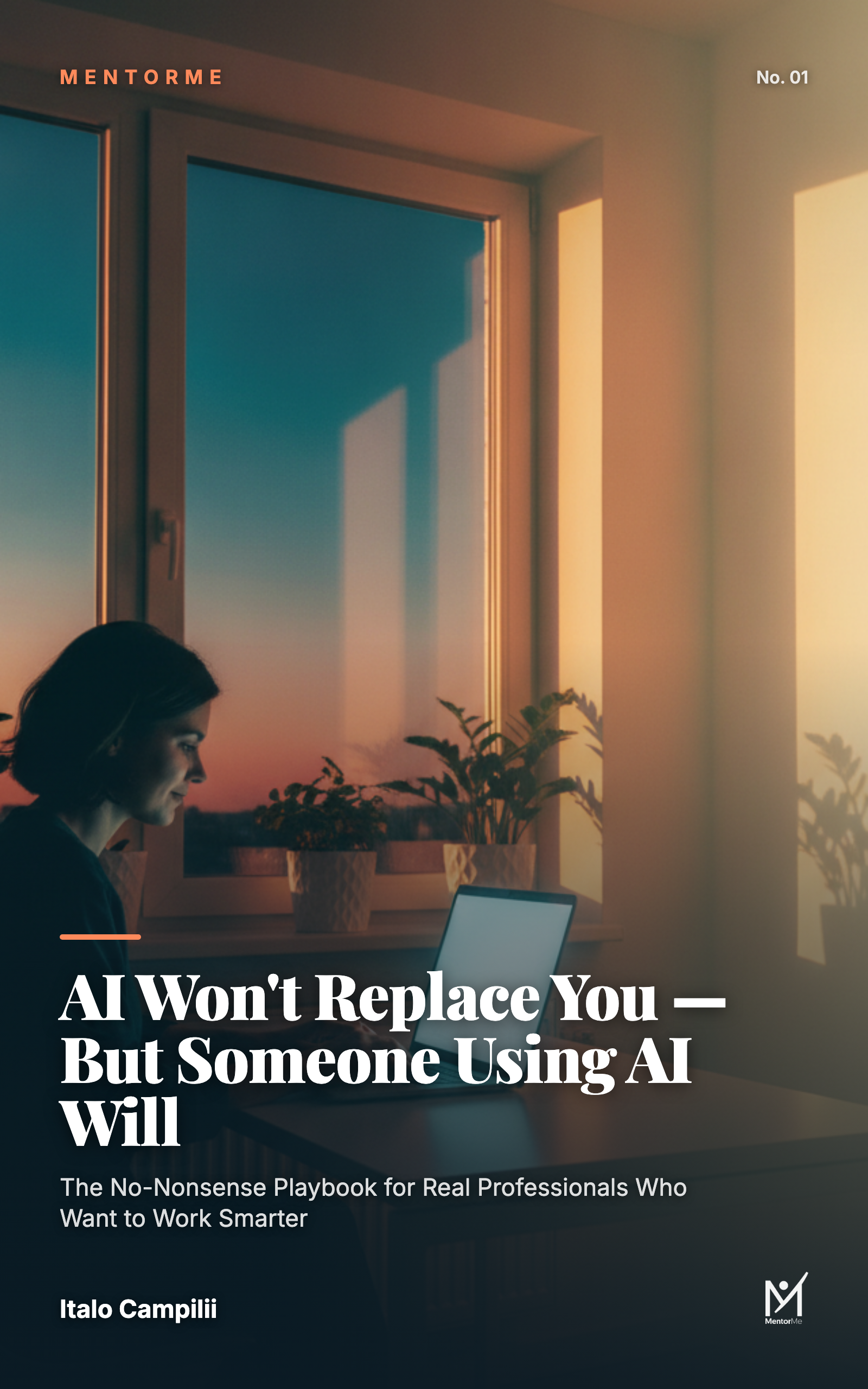
Book cover: AI Won't Replace You — But Someone Using AI Will, by Italo Campilii
the full playbook

AI Won't Replace You —
But Someone Using AI Will

The no-nonsense playbook for real professionals: the Prompt Architecture, 50 practical playbook moves mapped to real roles — sales, operations, HR, realtors, contractors, teachers, coaches — plus the verification habits that keep AI from embarrassing you, and a personal AI system you can set up in a weekend. No coding. No hype.

Launching soon on Payhip — join the list above to get the launch price first